14-Day Money-Back Guarantee

Help more visitors
take the next step.
Meet SlimStat Pro.

Find buttons people miss, pages they leave and campaigns linked to sales. Pro adds visual reports and automatic email summaries to Free, so you can decide what to improve and keep your team informed.

The Free plugin has 70,000+ active installs · rated 4.8/5 on WordPress.org
See what the free plugin already includes

Already purchased? Install and activate Pro.

Heatmaps

Find missed clicks and where scrolling stops

Open any page in a phone, tablet or desktop preview with its clicks or scroll depth drawn on it. Plain-language insights point out dead clicks, rage clicks and where visitors stop scrolling. Filter by visitors who reached a goal, came from a campaign or match a saved filter, download the clicks as CSV, or send a Heatmap insights email. Recording stays off on upgraded sites until an administrator starts it; a new site set up with Pro already active starts with full recording. Choose the tracking level, the share of pageviews and the pages to track.

  • Consent and Do Not Track apply
  • No session videos or typed text recorded
Ecommerce

Find the campaigns that lead to sales

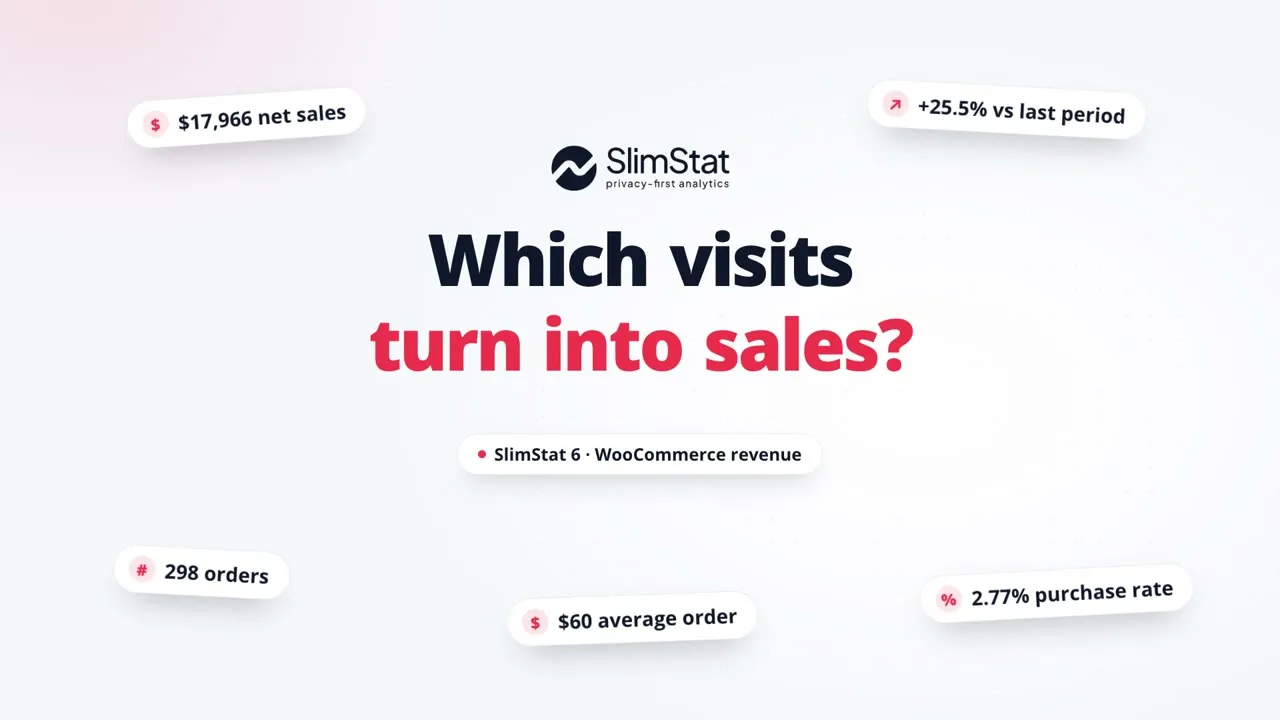
Free shows WooCommerce sales, orders and products after setup. Pro helps you compare sales by campaign, landing page and device, or by guests and account holders. Explore coupons and refunds, download filtered results and schedule email summaries. Reports explain which orders can be linked to tracked visits.

  • WooCommerce 8.3+; setup required
  • Currencies kept separate; tracking gaps explained
UTM Campaigns & Channels

Compare every campaign and channel

Free shows the two largest channels and UTM campaigns in each report and names the rest in a locked row. Pro lists every channel and campaign, so you can compare a newsletter with a paid ad or an AI assistant with search. With WooCommerce set up, each row links to its sales in Ecommerce. Both include the UTM link builder and the source breakdown for each row.

  • Counts recorded pageviews, not orders
  • Existing sites run a one-time database update
Goals & Funnels

See where visitors leave before they finish

Follow an important action, such as reaching a signup confirmation or completing a purchase. Free includes one goal. Pro gives you up to five goals and three funnels: sequences of two to five steps that show where recorded visits stop along the way.

  • 5 Goals (vs. 1 on Free)
  • 3 Funnels (vs. 0 on Free)
Pro · up to 3 funnels Find the step worth investigating
  1. Define the steps
  2. Compare progress
  3. Inspect a drop-off
Email Reports

Your stats, delivered to your inbox

Keep your team or clients informed without asking them to open WordPress. Tick the reports you want by name and choose recipients, then send them daily, weekly or monthly, or set the frequency to Off. Add the Heatmap insights report or store summaries where permissions allow. Free lets you preview a real weekly email and send yourself a sample.

  • Choose your schedule or turn delivery off
  • Authors receive reports limited to their content
Pro · scheduled reports Keep the team in the picture
  1. Choose reports
  2. Set a schedule
  3. Share by email
Real-Time Report

Check whether your campaign is bringing visitors

Follow online activity over the last 30 minutes with Pro’s live chart. Free includes the Access Log and live visitor, page and country counters, including shortcodes.

  • Last 30 minutes
  • Free counters; Pro chart
Pro · live chart See activity as it happens
  1. Open Real-Time
  2. Watch activity
  3. Explore the reports
Admin Bar Widget

Check your traffic without leaving the page

Open a quick traffic summary from the WordPress toolbar while working on your site. See online visitors and recent activity without switching to a full report. Only people allowed to view analytics can access these figures.

  • Online · Sessions · Views · Referrals
  • Available to authorized users
Pro · toolbar statistics A quick check, right where you work
  1. Open the toolbar
  2. Check activity
  3. Explore details
Data Export

Take your data anywhere

Download supported reports as CSV files that open in Excel and other spreadsheets. Share findings with a client or compare them with your own figures. Heatmap and store downloads keep the selected filters; access rules still apply to every export.

  • Opens in Excel and other spreadsheets
  • Sales reports require store-report permission
Pro · supported reports From report to spreadsheet
  1. Choose dates and filters
  2. Export the report
  3. Open your spreadsheet
Pro Shortcodes

Publish Pro reports on your own pages

Free’s Shortcode Playground lets you browse reports, preview them with your data and copy the shortcode. Pro adds four reports to the catalog: Funnels, Heatmap insights, User Overview and Pages by User. Without Pro the Playground previews them with sample data, and visitors see nothing. User Overview and Pages by User show only to people allowed to view analytics.

  • Previewed with sample data on Free
  • User reports stay with your analytics team
Pro · Shortcode Playground A Pro report, ready to publish
  1. Pick a Pro report
  2. Preview your data
  3. Copy the shortcode
User Overview

Understand activity from registered users

Review recorded activity for registered WordPress users, including pageviews and time on site. Available data depends on consent, exclusions and access permissions. Use it for membership and client sites without publishing visitor records.

  • Not available on Free
  • Appears automatically with Pro
Pro · restricted reports See how members use your site
  1. Open User Overview
  2. Review activity
  3. Explore the context
Custom Database

Keep analytics storage separate as your site grows

Give your developer the option to store analytics separately from your main WordPress database. Pro supports a separate MySQL-compatible database, with connection settings and a built-in connection test. Your hosting team can help choose and configure the right database.

  • MySQL-compatible
  • Built-in connection test
Pro · external storage Your analytics. Your database.
  1. Choose storage
  2. Test the connection
  3. Read your reports
Advanced Whois

Look up a recorded IP inside WordPress

Check the estimated location of a recorded IP address inside WordPress. This tool needs a local MaxMind or DB-IP location database; Cloudflare does not support these past-address lookups. It uses the current location database, so its answer may differ from the original visit’s location.

  • Local MaxMind or DB-IP database
  • Current lookup, not historical location
Pro · local geolocation Give a recorded IP more context
  1. Select a record
  2. Run a local lookup
  3. Inspect the result
Network Analytics

One dashboard for your whole network

If you manage a WordPress Multisite network, see combined reports without opening each site separately. Network-wide reports require network-management permission. Individual site administrators continue to see only the data they are allowed to access.

  • WordPress Multisite only
  • Network totals need network permissions
Pro · WordPress Multisite Bring your network into view
  1. Choose your reports
  2. Combine site reports
  3. Review the network

Free and Pro, side by side

Free covers your everyday analytics. Get traffic reports, campaign tracking with the top two channels and campaigns, WooCommerce sales reports, the Shortcode Playground and one goal. Pro adds tools to act on what you learn: visual heatmaps, every campaign and channel, deeper store reports, more goals, funnels, Pro shortcodes, CSV downloads and automatic email reports.

This comparison covers Free 6 and Pro 3. Store reports need WooCommerce and setup; heatmap recording is optional.

What you can do FreeIncluded at no cost Pro Everything in Free, plus the extras below
Traffic reports & privacy controls Included Same as Free
Heatmaps Page list and top 5 clicked links or buttons Spot frustrating clicksVisual click and scroll maps, filters and downloads
Ecommerce Sales, products, traffic sources and recorded purchase steps See what drives salesSales by campaign, device and coupon; downloads and scheduled emails
UTM Campaigns & Channels Top two channels and campaigns in each report; UTM link builder Compare every campaignEvery channel and campaign, with paging and links to their sales
Goals & Funnels 1 active goal; no funnels Find where visitors leave5 active goals; 3 funnels
Email Reports Preview a weekly email; send yourself a sample Keep your team informedDaily, weekly or monthly emails; choose recipients and attach CSV files
Real-Time Report Live counters and Access Log Watch activity liveLive chart and report controls
Admin Bar Widget Toolbar shortcuts Check stats as you workLive quick stats
Data Export Report downloads not included Share spreadsheet reportsSpreadsheet downloads (CSV or tab-delimited)
Pro Shortcodes Shortcode Playground with Free reports and live counters Publish Pro reportsAdds Funnels, Heatmap insights, User Overview and Pages by User
User Overview Registered-user reports not included Understand member activityRegistered-user reports
Custom Database WordPress database Separate analytics storageSeparate MySQL-compatible database
Advanced Whois External lookup link Look up IP locationsLocal lookup panel
Network Analytics Individual site reports See your whole networkMultisite network reports

Pro is a paid add-on that works alongside Free, with one year of updates and support. Free keeps working if your Pro licence expires. See Pro pricing.

14-day guarantee full refund, no questions asked
Self-hosted your data stays on your server
Your renewal, your choice cancel renewal anytime
Keep Free installed add Pro, then activate your license

SlimStat Pro From $49/year